If your Google Business Profile is already set up, the real work is keeping it accurate, relevant, and useful to the people searching for your business. That means more than filling in every available field. Your category should reflect what you actually do, your services should match what customers can hire you for, and your photos, reviews, and business information should give people enough confidence to take the next step.
For businesses serving St. Louis, this becomes especially important when you work across different neighborhoods, suburbs, or service areas. A few focused updates can make your profile much more useful to both Google and potential customers.
How Do You Optimize a Google Business Profile for Better Local Visibility?
A practical Google Business Profile optimization process starts with the information already on your profile. Work through your business details, category, description, services, photos, reviews, and updates. Then review the profile regularly instead of treating optimization as a one-time task.
Here’s how to work through the important areas.
1. Verify Core Business Information
Start with the essentials. Inaccurate contact details or outdated hours frustrate customers and harm search rankings. Ensure this data matches your website and external directories exactly (NAP consistency: Name, Address, Phone).
Key fields to review:
- Business name: Use the official legal/real-world business name without added keywords.
- Address / Service area: List the physical storefront address, or specify exact St. Louis service areas (e.g., Central West End, Clayton, South City) if operating on-site.
- Phone number: Provide a direct, local phone number.
- Website: Link directly to the primary website or relevant location page.
- Hours: Keep standard operating hours current, and proactively set special hours for holidays.
2. Choose the Right Business Categories
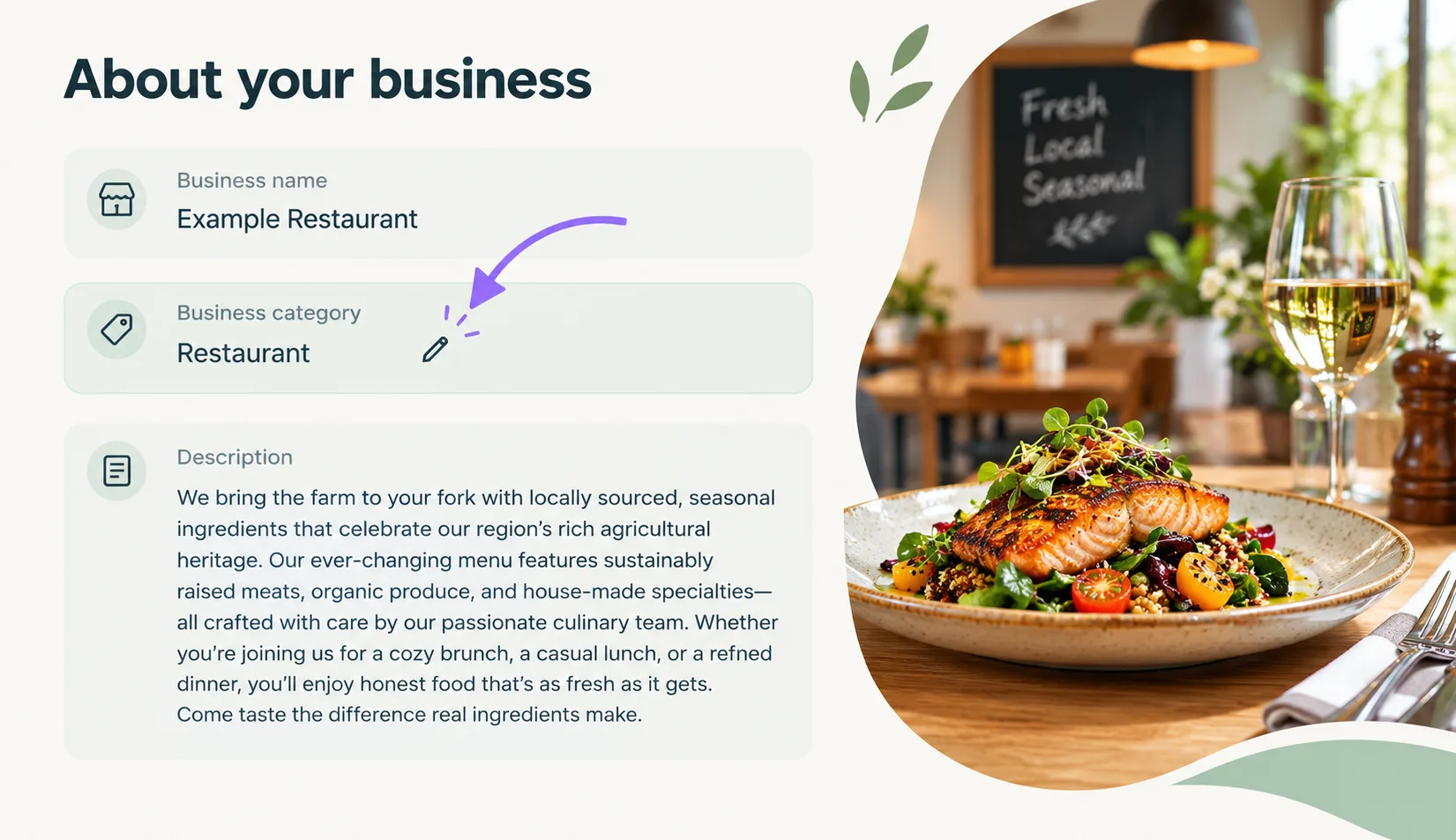
The primary category is one of the strongest ranking factors in local search algorithms.
- Select a specific primary category: For a bakery, select “Bakery” rather than a broad term like “Food Producer.”
- Add secondary categories carefully: Include supporting categories that reflect secondary service lines (e.g., “Caterer” or “Coffee Shop”), but avoid adding irrelevant categories just to target keywords.
3. Craft a Customer-Focused Description
Your description should quickly tell potential customers who you are, what you offer, and why they should choose you.
- Be clear and direct: Highlight core products, services, and key differentiators.
- Incorporate local context naturally: Mention neighborhoods or regions served where relevant, but avoid forcing location keywords repeatedly.
- Avoid keyword stuffing: Write for humans first. Keyword spam violates Google guidelines and damages credibility
4. Itemize Your Actual Services
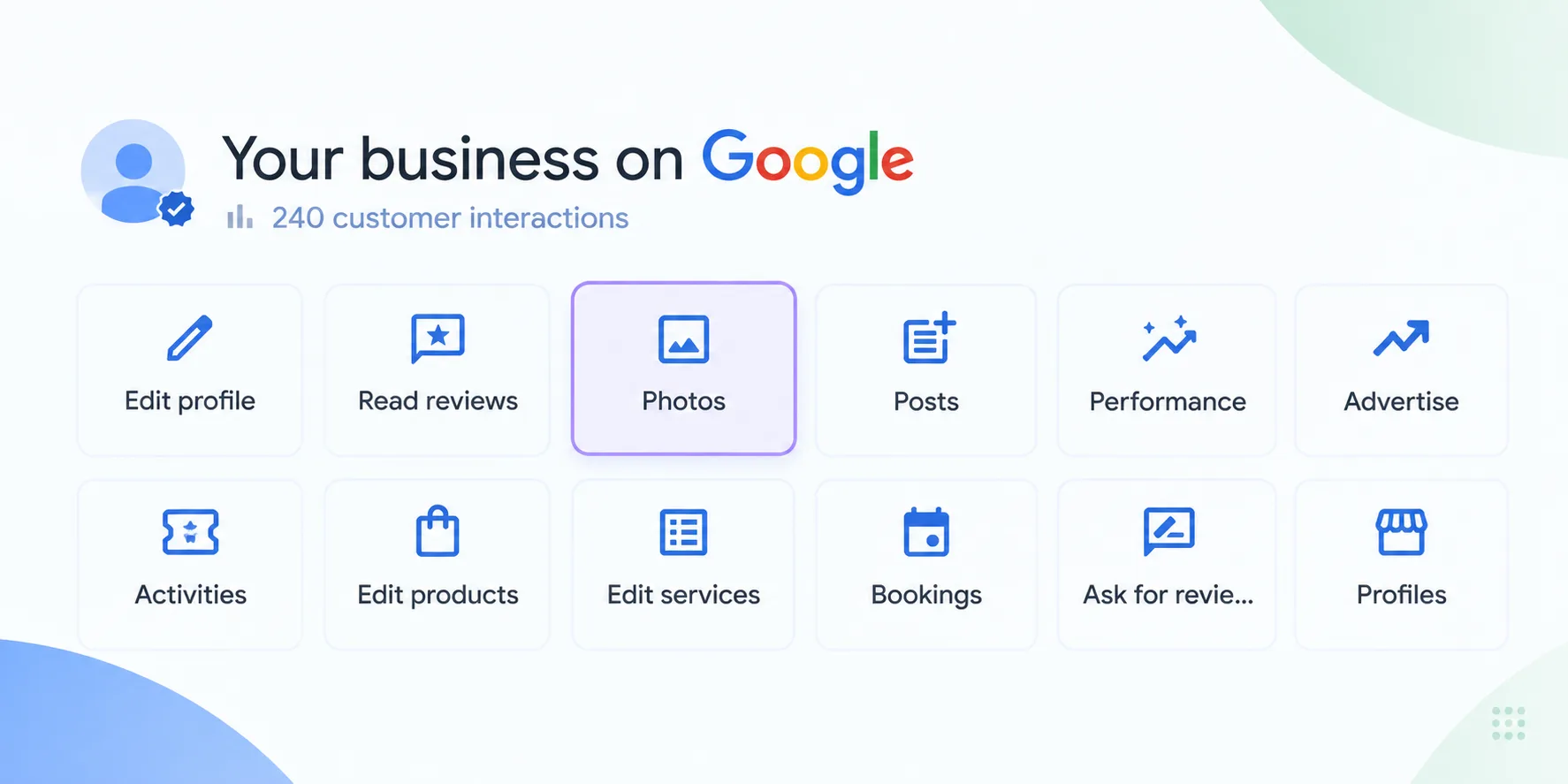
Listing individual services gives search algorithms direct context and answers customer questions before they even pick up the phone.
- List core offerings individually: Rather than a single generic entry like “HVAC Services,” an HVAC company in St. Louis should break out distinct items: AC Repair, Furnace Installation, Duct Cleaning, and Seasonal Tune-Ups.
- Include brief descriptions: Clarify what is included in each service.
- Prune regularly: Remove outdated offerings so expectations stay aligned.
UI Path: Google Business Profile → Edit services
5. Upload High-Quality, Authentic Visuals
Profiles with regular visual updates see higher engagement and direction requests.
- Essential assets: Upload a high-resolution logo and a recognizable exterior photo so customers can easily find the storefront.
- Show key work: Add interior photos, team pictures, and high-quality snapshots of finished projects or products.
- Skip stock photography: Authentic photos build immediate trust; generic stock images do the opposite.
6. Proactively Manage Customer Reviews
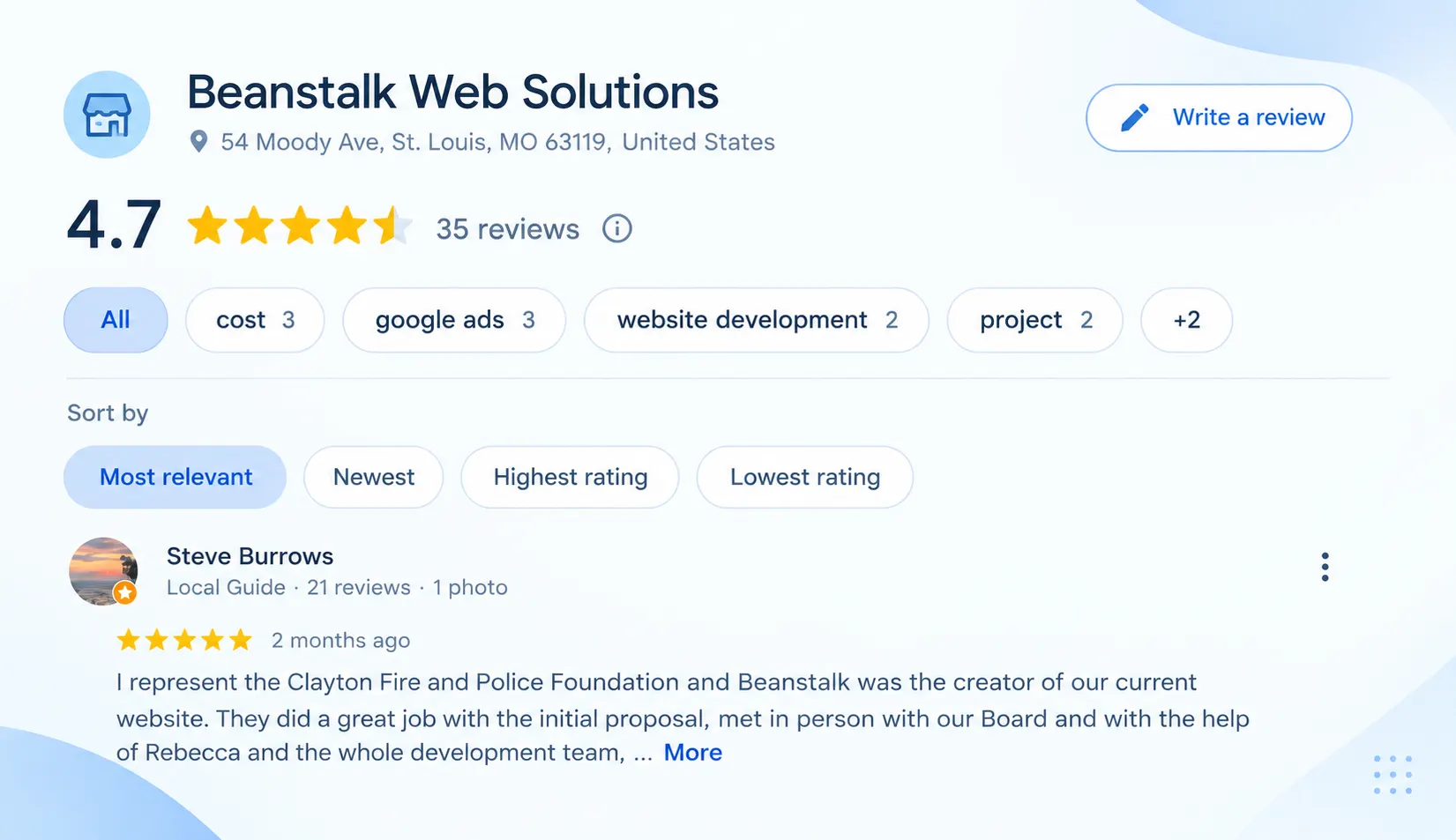
Reviews build social proof and provide search engines with fresh, user-generated context.
- Request genuine reviews: Ask satisfied clients directly via a short, shareable review link.
- Reply to every review: Thank positive reviewers, and address negative feedback calmly, professionally, and constructively.
- Avoid generic copy-paste templates: Tailor each response to the specific details mentioned by the customer.
- Never buy or incentivize reviews: Artificial reviews violate Google’s policies and risk account suspension.
7. Post Regular Updates
Treat the profile as an active communication channel. GBP updates appear directly in search results and keep the business looking active.
- Share real announcements: Announce seasonal services, special promotions, holiday hour changes, or community involvement in St. Louis.
- Maintain quality over volume: Posting daily is unnecessary. Aim for bi-weekly or monthly updates that offer genuine value.
8. Tracking Profile Performance
Regularly inspect your Performance tab to monitor customer behavior over time:
- Profile impressions (Search vs. Maps)
- Website click-throughs
- Direction requests
- Phone calls placed directly from the listing
Review these metrics across 30- to 90-day windows rather than day-to-day. If your profile receives high impressions but few calls or clicks, revisit your photos, reviews, and description to improve conversion appeal.
How Can You Improve Your Google Business Profile Visibility in St. Louis?
After making your updates, look at how customers interact with your profile.
Depending on the profile, you may see information such as:
- Profile views
- Website clicks
- Calls
- Direction requests
- Other customer interactions
Look for changes over time rather than judging your Google Business Profile visibility from a single week.
If you have optimized your profile but need help improving your broader local search presence, a Your Local St. Louis SEO Company can help connect your Google Business Profile with the rest of your local SEO efforts.
That review can tell you where the next update should happen.
Conclusion
Your Google Business Profile should make it easy for local customers to understand what you offer, where you serve, and how to reach you. Take a few minutes to review it from a customer’s perspective. If the information is outdated, your services are unclear, or your photos no longer represent the business, make those updates.
For St. Louis businesses, keeping your profile accurate and useful is not a one-time task. As your business changes, your profile should change with it.